How it works

How Be·ia works in your clinic

Start in the browser by uploading an ultrasound. If it fits your workflow, connect the ultrasound machine with the Windows app for a more automated process during the consultation.

Be·ia works with 3D, 4D and 5D ultrasound images. The same licence includes the web app and the Windows app.

One licence includes the web app and the Windows app.

Be·ia web app for uploading ultrasounds

In brief

In practice, Be·ia works as ultrasound software: you can use it from the web app and, if your clinic needs it, integrate it with the ultrasound machine via the Windows app to automate part of the consultation workflow.

More context on emotional ultrasound and 8K ultrasound for clinics.

Technical requirements

Compatibility with 3D, 4D and 5D ultrasound machines

Be·ia works with 3D, 4D and 5D ultrasound images of the baby's face. With the web app, a clear compatible capture is enough; with the Windows app, the connection depends on your equipment, clinic network and setup. The most reliable way to check if it fits is to try it with your own images.
View ultrasound machine compatibility

Process

From ultrasound to result in seconds

You do not need to change how you work from day one. You can try with your own images and move towards a more automated integration when it makes sense for your clinic.

01

Upload an image or connect your ultrasound machine

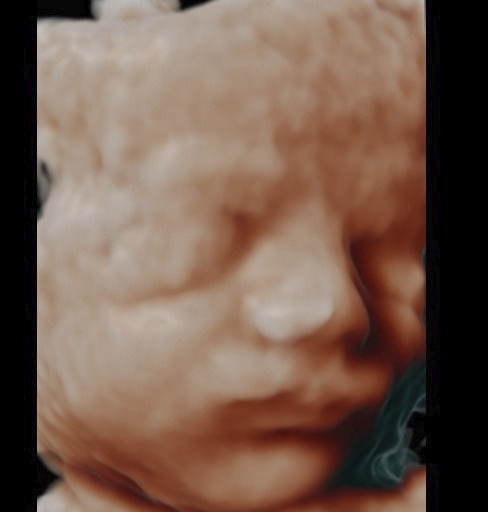
Start from the web app by uploading a JPG of the baby's face. To automate the workflow during the consultation, you can use the Windows app with the ultrasound machine connected on the network.

Baby's-face ultrasound ready to upload in Be·ia
02

Be·ia processes the ultrasound in seconds

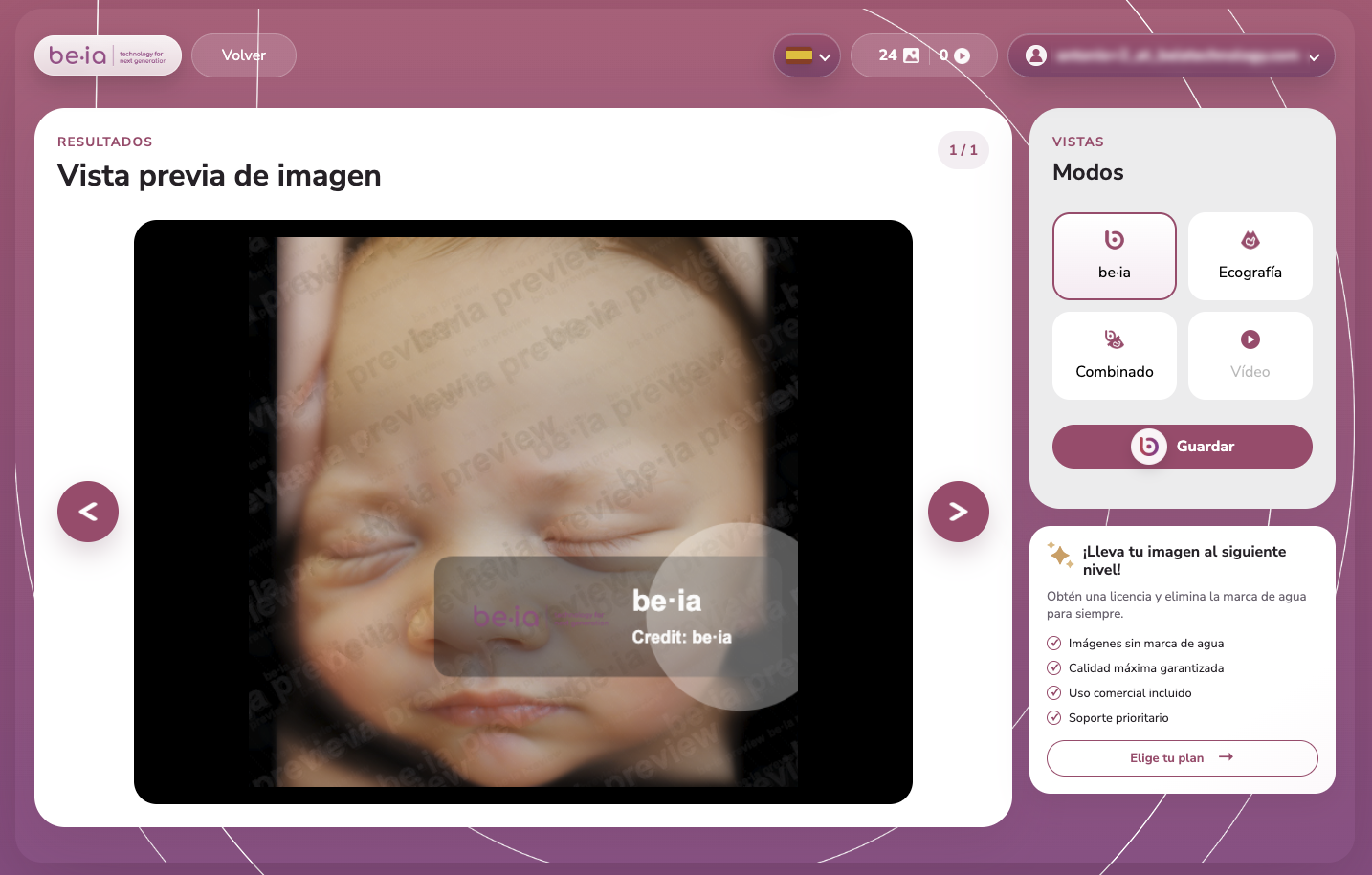
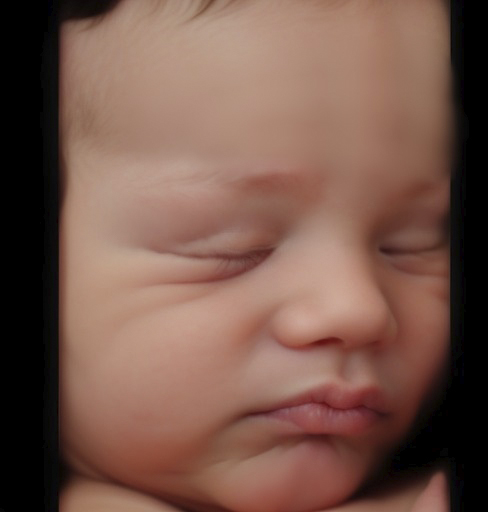
The scan becomes a hyperrealistic image and returns to your workstation in seconds, ready to review, download or reprocess if needed.

Be·ia results screen for clinics
03

Share it with the family

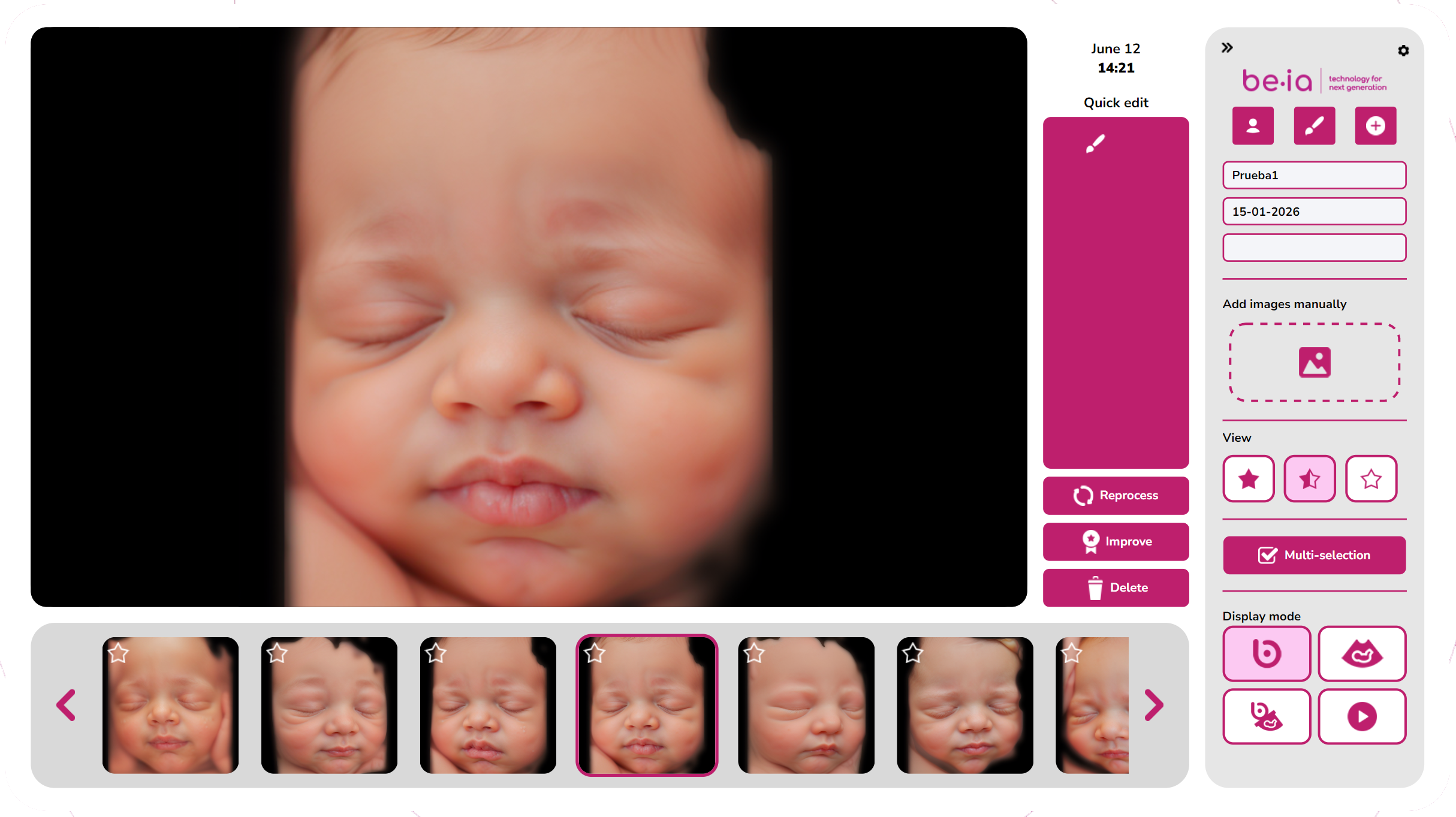
The clinic can download, print or send the image via WhatsApp to turn the ultrasound into a more visual and memorable experience.

Be·ia hyperrealistic image ready to share with the family

Two ways to use it

One licence. Two ways to work.

Be·ia lets you start simply and move towards a more integrated workflow when your clinic is ready.

To get started quickly

Web app

The web app lets you upload images manually from your browser. It is ideal for activating the free trial, checking results with real clinic images and starting without any initial installation.

Be·ia web app for uploading ultrasounds
  • Manual image upload.
  • Use from your browser.
  • Ideal for trying Be·ia.
  • No ultrasound machine connection needed to start.
  • Lets you validate results before integrating the workflow.
Try from the web app
For in-consultation workflow

Windows app

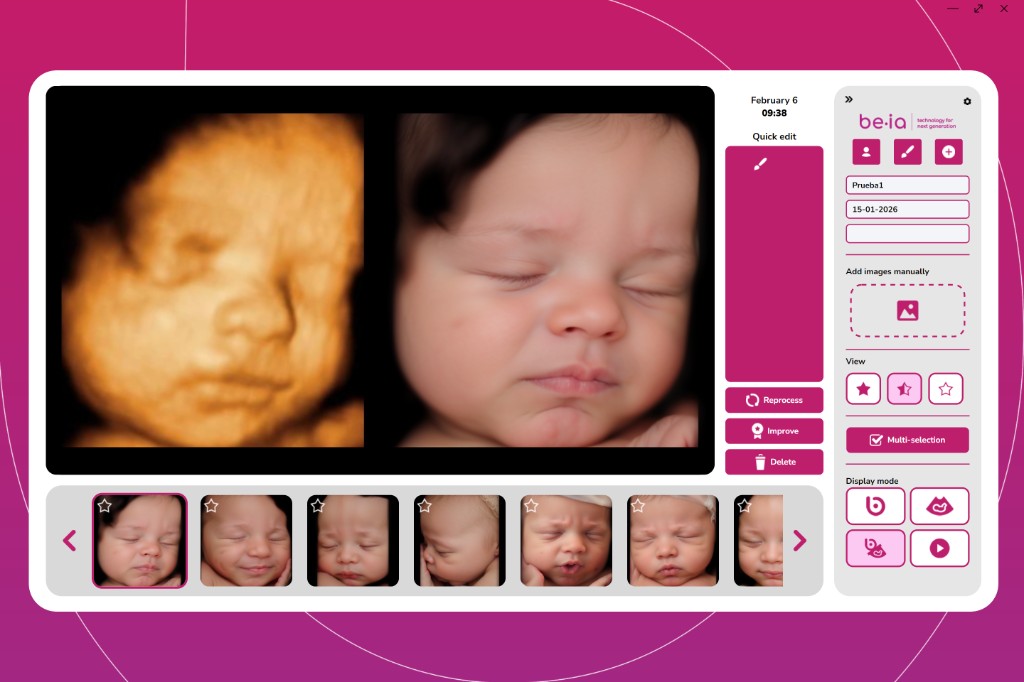
The Windows app supports a more automated workflow when the ultrasound machine is connected on the network. It is built for clinics that want to integrate Be·ia into their usual consultation routine.

Be·ia Windows app view
  • Windows computer.
  • Internet connection.
  • Ultrasound machine connected on the network.
  • More automated workflow during the consultation.
  • Ideal for clinics that have already validated the result.
I need technical answers

Requirements

What you need to use Be·ia

Be·ia is designed to lower the barrier to entry. You can start from the web app and only need additional requirements if you want to automate the workflow with the Windows app.

To get started with the web app

  • Be·ia account.
  • Internet connection.
  • Clear JPG of the baby's face.
  • Up-to-date web browser.

To use the Windows app

  • Windows computer.
  • Internet connection.
  • 3D, 4D or 5D ultrasound machine.
  • Ultrasound machine connected on the network for automated workflow.
  • Initial setup according to your clinic environment.

If your ultrasound machine is not connected on the network, you can start by uploading images manually from the web app.

Frequently asked questions about how it works

Yes. You can start from the web app by uploading a baby's-face image from your browser.
The web app lets you upload images manually. The Windows app lets you connect the ultrasound machine for a more automated workflow during the consultation.
Only if you want to use the automated workflow with the Windows app. To get started, you can upload images manually from the web app.
Be·ia works from 3D, 4D and 5D ultrasound images. With the web app, what matters is having a compatible, clear image of the baby's face. With the Windows app, the connection depends on your equipment setup and clinic network; compatibility with every ultrasound machine on the market is not guaranteed.
Processing is designed to return the result in seconds, within the clinic's normal workflow.
It works best with clear captures of the baby's face, typically between weeks 24 and 32, without hands or other elements covering the face.
We do not store images on our servers or process personal data linked to the image, such as name, medical record or patient ID.
No. Be·ia is focused on creating hyperrealistic images of the baby's face to improve the visual and emotional experience. It is not intended for medical diagnosis.

Try Be·ia with your own images

The simplest way to understand how Be·ia works is to try it with real ultrasounds from your clinic. Activate your free trial and start from the web app.

50 free watermarked images. View results · View pricing.